Personal Project · App · 2026
Sprig
Meet Sprig, the app's little companion (built entirely in SVG + CSS)
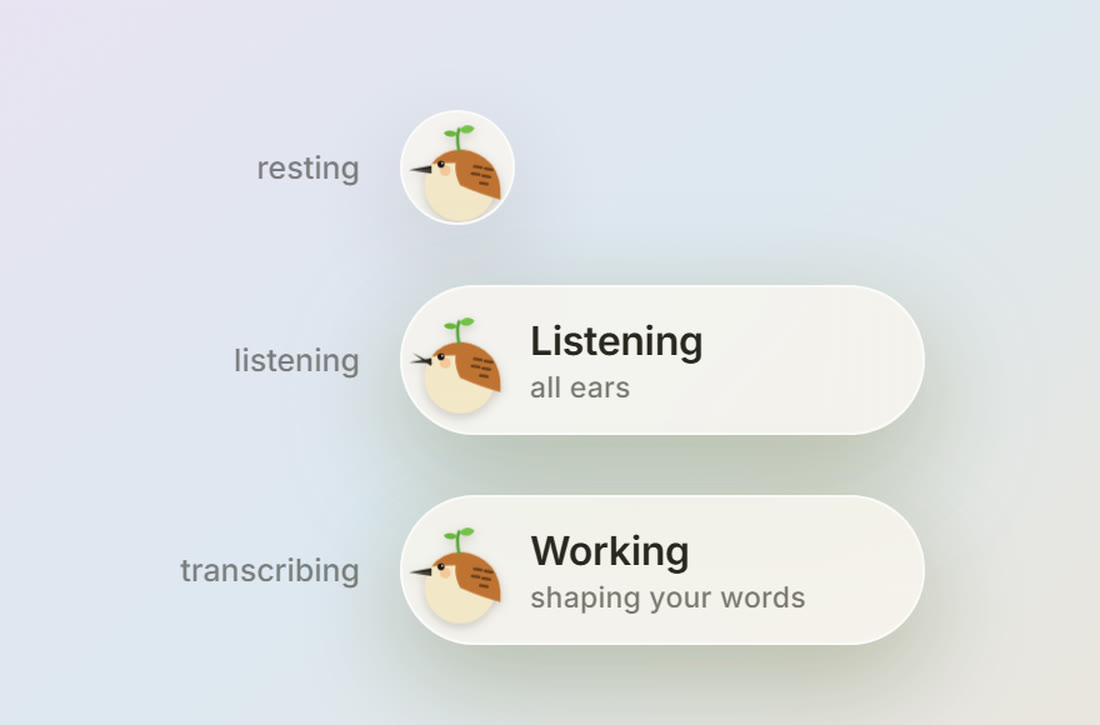
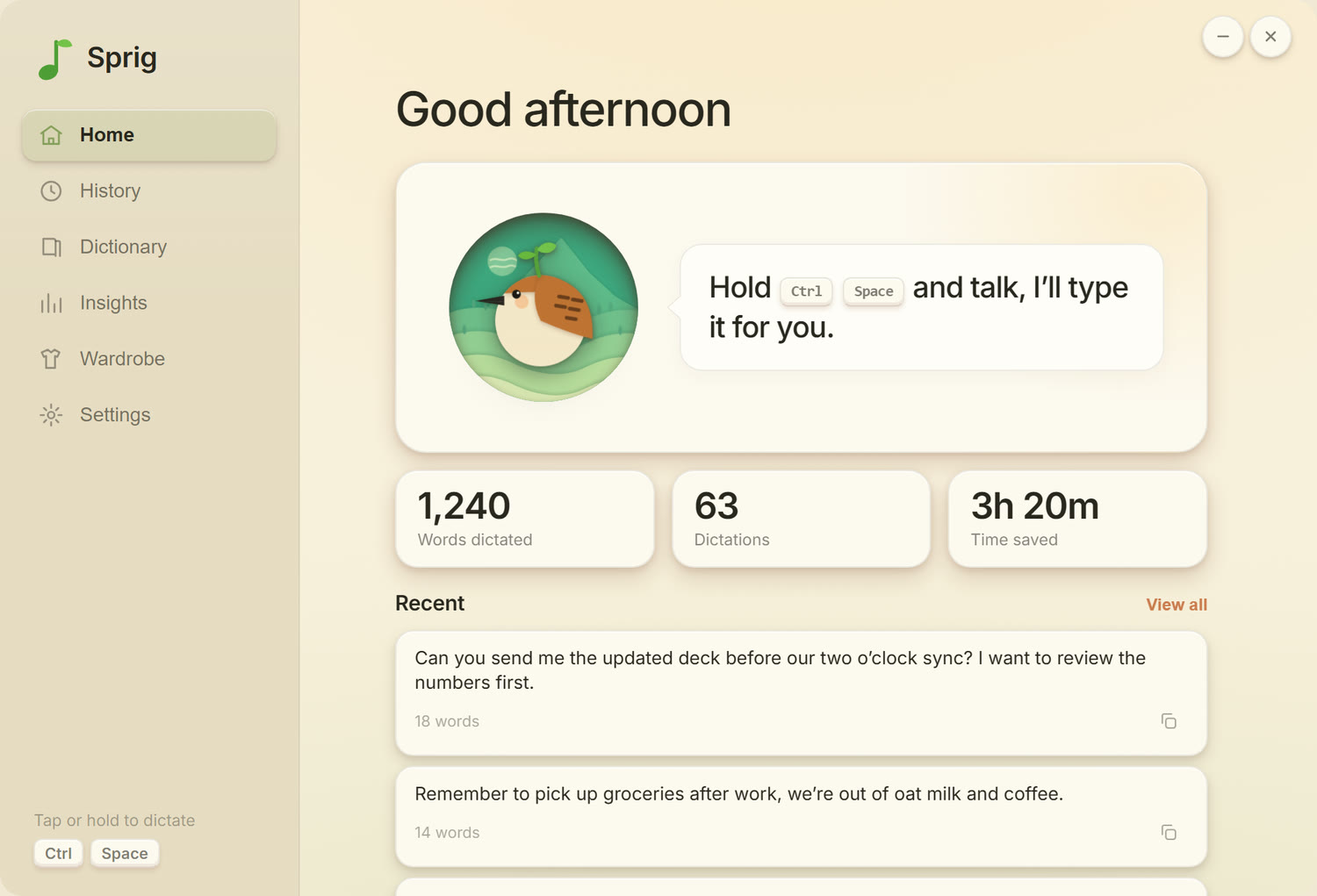
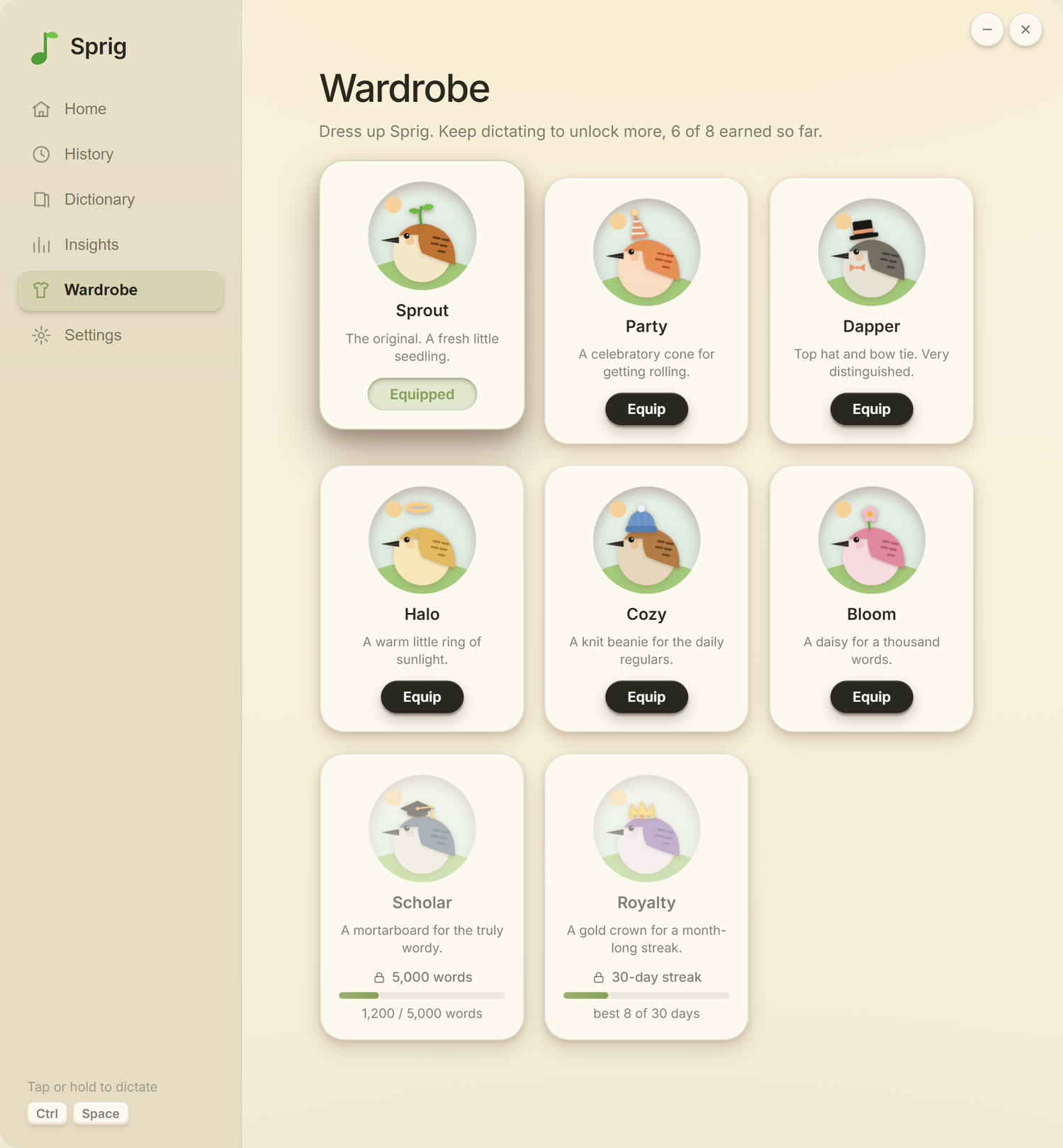
What is Sprig? Sprig is a desktop voice-dictation app I designed and built with AI coding tools. You hold a hotkey, talk, and it types what you said wherever your cursor is. It's a real app with a cozy paper-cutout interface and a little bird, Sprig, who reacts while you talk.
How it works
1
Press your hotkey from anywhere on your computer.
2
Speak. Sprig listens, and the bird opens its beak with your voice.
3
Let go, and Sprig chirps to tell you he heard you.
4
The text pastes right where your cursor is. No copy-paste.
The ad
A 14-second ad I art-directed for Sprig. It's built entirely in code, so the music and the animation share one timeline and every landing hits on the beat.
Inside the app
How I built it
This whole thing started with the chirp. I liked the idea of a little sound
that tells you it heard you, and once I had that I wanted a bird to go with
it, and then a whole app for the bird to live in. It's two quick rising notes
made in code, so there's no sound file at all, and it plays the moment you
stop talking.
I designed all of it and drew and animated the bird myself, and I made the calls on what to build and what to skip. I don't code, so I built it with Claude Code, an AI coding assistant, and kept testing and adjusting until it worked as a real app I use every day.
I designed all of it and drew and animated the bird myself, and I made the calls on what to build and what to skip. I don't code, so I built it with Claude Code, an AI coding assistant, and kept testing and adjusting until it worked as a real app I use every day.
- Design and art direction: mine
- Implementation: built with Claude Code (Electron, React, TypeScript)
- Transcription: Groq Whisper API