2D to 3D · Original Character · 2025
Coco the Gumball Machine
Final animation, Coco the Gumball Machine
Meet Coco Coco is a gumball machine. She started as a character for my traditional animation class, and I liked her enough to bring her into 3D afterwards.
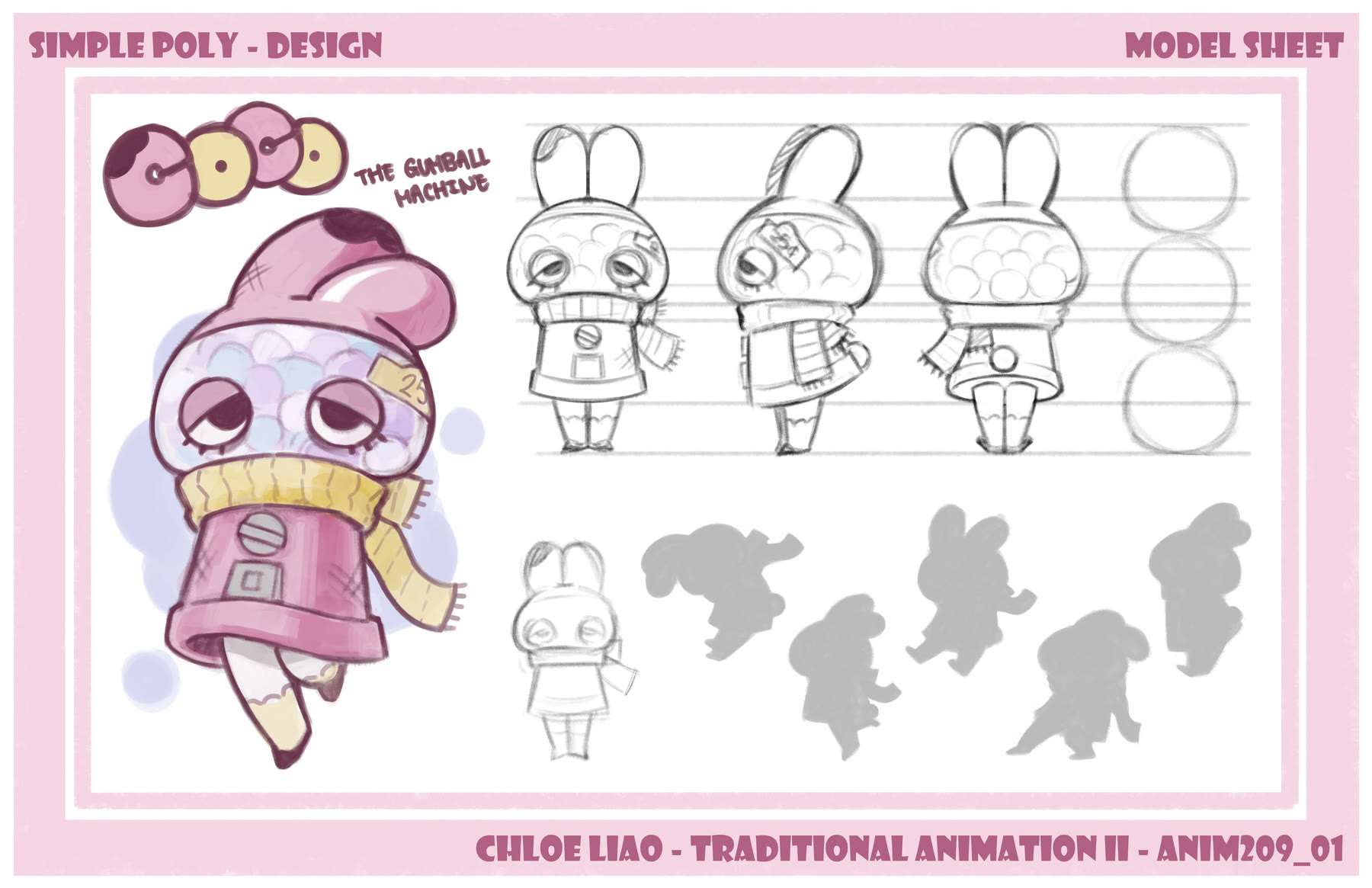
She started in 2D
Drawing her by hand is where I figured out the design. When you're drawing
every single frame you end up knowing her shapes really well, so most of that
got worked out here first.
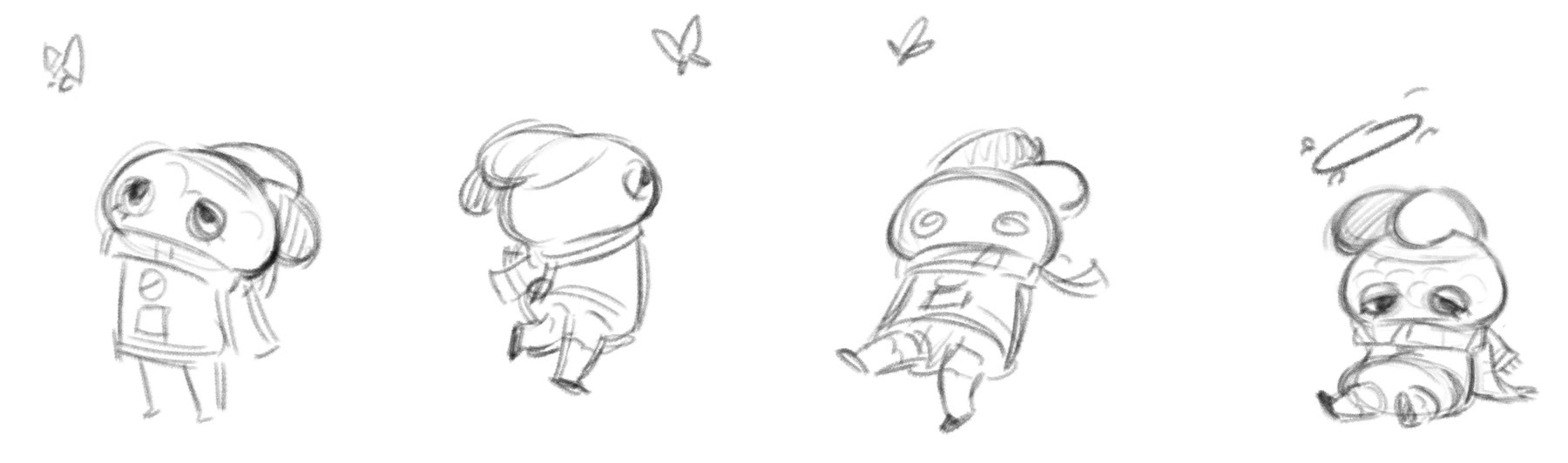
2D animation
Building her in 3D
In 2D you can cheat her shapes on every frame, but a 3D model has to hold up from
every angle, so a lot of what worked on paper had to change. She was also the
first character I ever rigged, so I was learning how a rig works and building hers
at the same time.
- Responsible for: all aspects
- Modelling, rigging, animation: Maya
- Texturing: Substance Painter, Photoshop
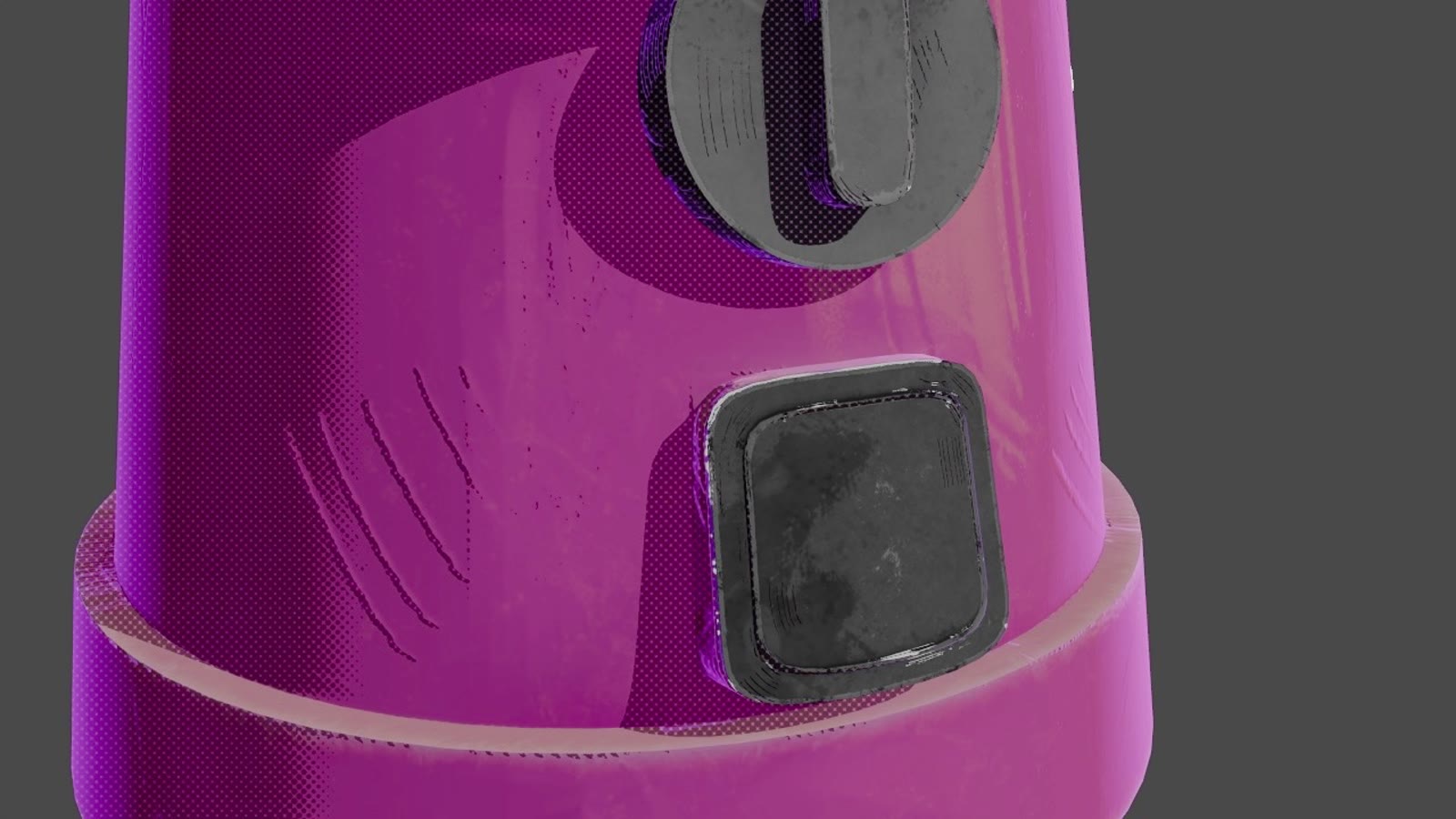
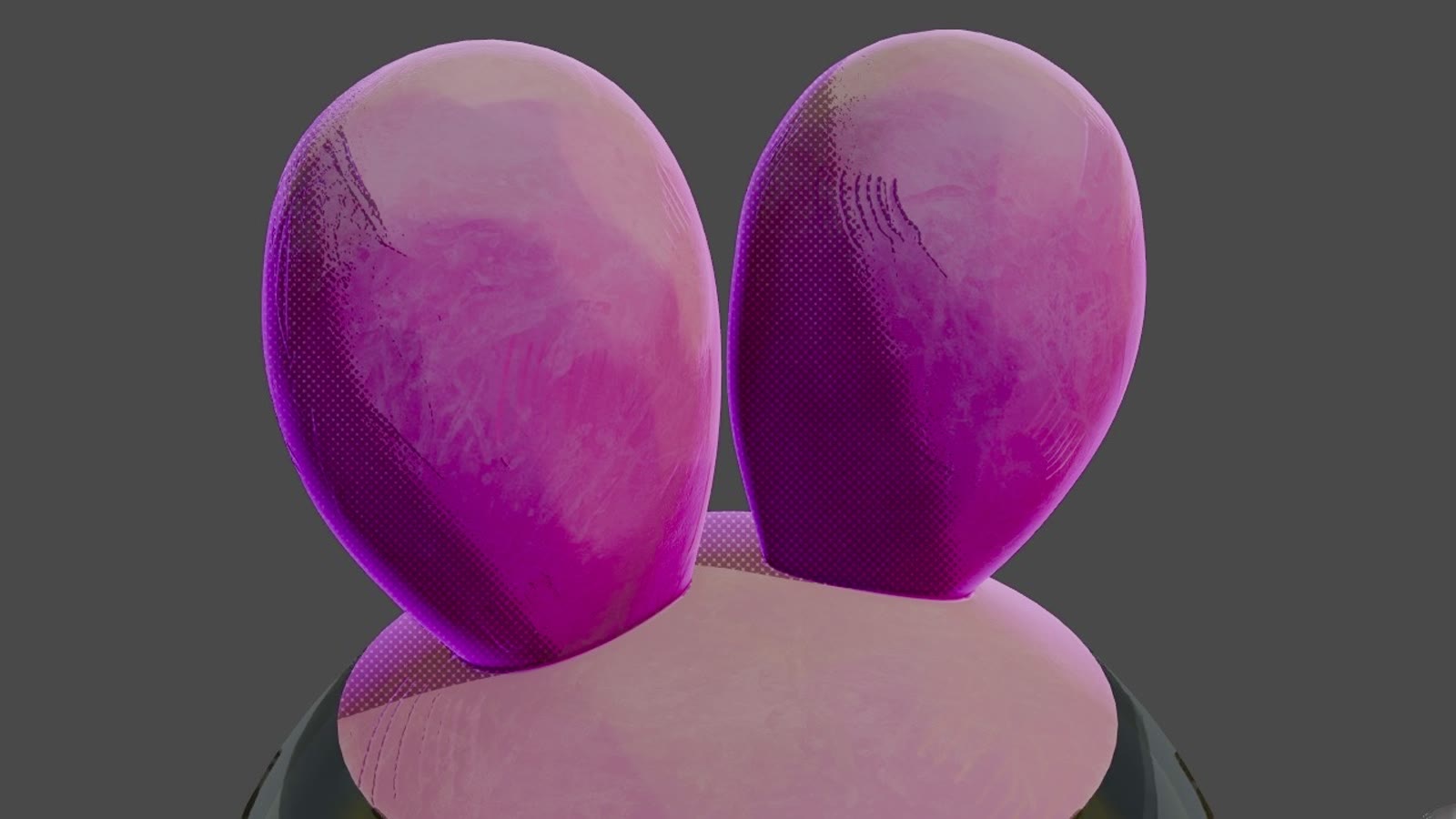
The thing I didn't want to lose was the hand drawn feeling, so I spent a while
trying to figure out the texture for Coco. Her shading falls off in halftone dots
instead of a smooth gradient and the hatching is drawn on, so she still reads flat
and printed even though she's lit in 3D.
Her eyes were the part that nearly finished me. They sit inside a glass dome and
had to keep their shape while she moves, so I used a lattice to hold them there.
Getting the lattice and the eye rig to agree with each other took longer than
everything else put together, and they broke in some pretty funny ways before
they behaved.
Not what was supposed to happen.
Figuring out how she moves
Before touching the real shot I put her through walk, jump and turn exercises to
work out how she carries herself. She has no arms and her head is a big glass
dome, so the acting has to come from timing and weight instead of gestures.
Walk, jump and turn.
Inside the final shot
This is the shot at the top of the page running in the Maya viewport, before any
of the rendering.
The final shot in the viewport.
The effects are 2D elements I drew, then brought into Maya as an image sequence
on a texture. This one is the charge up right before she explodes.